

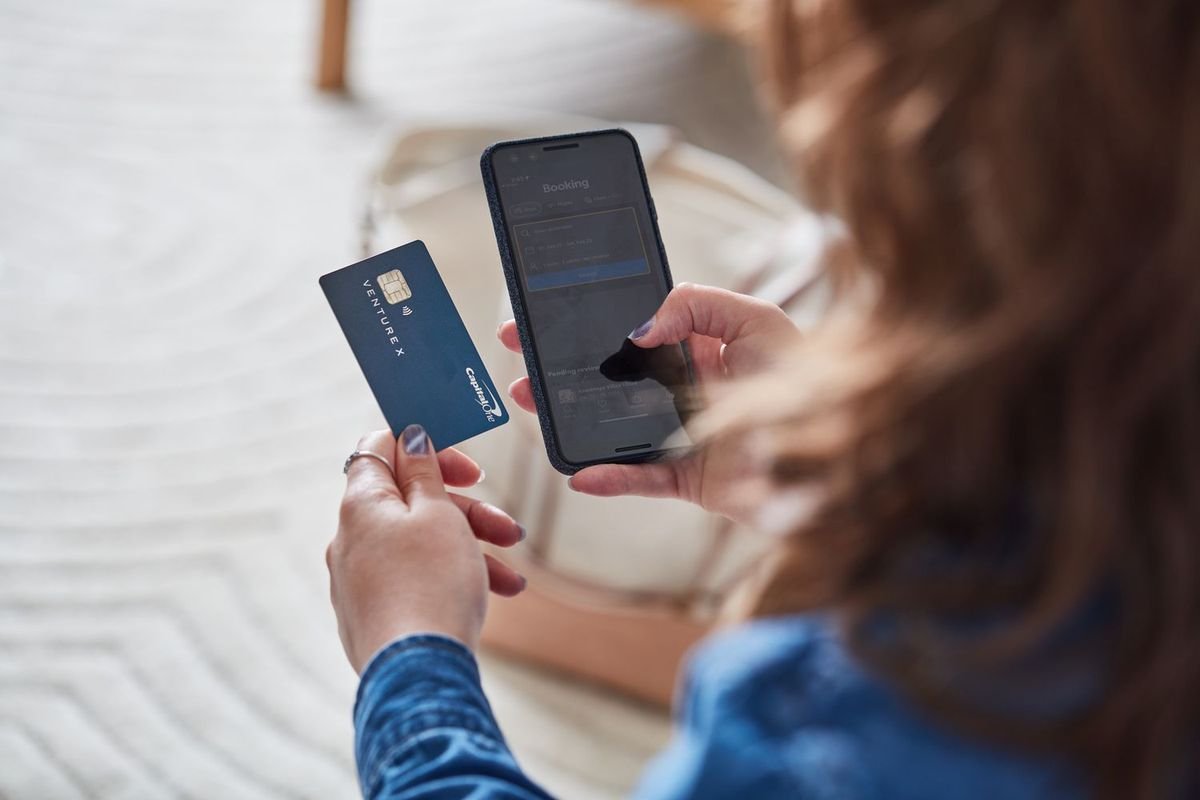
Online banking has changed the way people manage their money. Instead of visiting a bank branch for every transaction, customers can use a computer or smartphone to check balances, transfer money, pay bills, manage accounts, and review transactions. These services can save time and make everyday banking more convenient.
However, online banking is more than simply checking an account balance. Modern banking platforms provide many features designed to help customers manage their finances from almost anywhere. Understanding these features can help users make better use of their bank accounts while also maintaining good security habits.
What Is Online Banking?
Online banking is a service that allows customers to access and manage their bank accounts through an internet connection. Banks usually provide online banking through a website, mobile application, or both.
After signing in with approved security credentials, customers can access information and perform banking activities without visiting a physical branch.
The exact features depend on the bank and account type, but most online banking platforms provide a similar set of basic services.
Checking Account Balances
One of the most common online banking features is balance checking. Customers can see how much money is available in their checking or savings accounts without visiting an ATM or branch.
This feature can help people monitor their spending and avoid situations where they accidentally spend more money than they have available.
Many banking applications also show pending transactions. These may include card purchases or deposits that have not completely processed yet.
Viewing Transaction History
Online banking usually provides access to recent transactions. Customers can review deposits, withdrawals, purchases, transfers, and other account activity.
Transaction history can be useful when creating a household budget or checking whether a payment was processed correctly.
Regularly reviewing transactions can also help identify unfamiliar activity. If a customer notices a transaction they do not recognize, they can contact the bank and ask about it.
Some banks allow customers to search transactions by date, amount, merchant, or transaction type.
Transferring Money
Money transfers are another important online banking feature. Depending on the bank, customers may be able to move money between their own accounts or send funds to another eligible account.
For example, someone may transfer money from a checking account to a savings account after receiving a paycheck.
Some banks also support transfers to external bank accounts. These transfers may require additional information and may have processing times or fees.
Before sending money, customers should always verify the recipient information carefully.
Paying Bills Online
Many online banking systems include bill payment services. Customers can use these tools to pay utilities, credit cards, loans, subscriptions, and other regular expenses.
Instead of writing checks or visiting payment locations, users can schedule payments electronically.
Some banks allow recurring payments. This can be useful for bills that have the same due date each month.
However, customers should still monitor their account balance and payment schedule to make sure enough money is available when automatic payments are processed.
Mobile Banking
Mobile banking extends online banking to smartphones and tablets.
A mobile banking app can allow users to check balances, transfer money, deposit checks where supported, pay bills, manage cards, and receive notifications.
Mobile apps can also provide biometric login options such as fingerprint or facial recognition on supported devices.
Because mobile banking provides access to sensitive financial information, users should keep their phones updated and use a secure screen lock.
Mobile Check Deposit
Some banks allow customers to deposit checks using a smartphone camera.
The customer typically opens the bank’s mobile application, selects the mobile deposit option, enters the check amount, takes pictures of the front and back of the check, and submits the deposit.
The bank then reviews the deposit and makes the funds available according to its policies.
Users should follow their bank’s instructions regarding endorsement, retention of the physical check, and deposit limits.
Account Alerts
Account alerts can help customers monitor financial activity.
Banks may offer notifications for low balances, large purchases, deposits, withdrawals, password changes, and other account events.
These alerts can be delivered through push notifications, email, or text messages depending on the bank.
Alerts are particularly useful because they can notify customers quickly when something unusual happens.
Card Management
Many online banking platforms allow customers to manage debit and credit cards.
Depending on the bank, users may be able to temporarily lock a card, request a replacement, view card details, manage spending controls, or report a card as lost or stolen.
A temporary card lock can be useful when a customer cannot immediately locate a card but believes it may still be nearby.
If a card is permanently lost or stolen, customers should follow the bank’s instructions for reporting it.
Digital Statements
Online banking often provides electronic statements instead of paper statements.
Digital statements can be downloaded and stored for personal records. They may contain information about transactions, fees, balances, deposits, and other account activity.
Electronic statements can also make it easier to search for older financial information.
Customers should store important financial documents securely and avoid keeping sensitive files in locations that other people can easily access.
Managing Savings Goals
Some banks provide tools that help customers organize their savings.
For example, an application may allow users to create separate savings goals for emergencies, education, travel, home improvements, or other purposes.
These tools can make saving easier to track because users can see how much they have saved and how much remains to reach a target.
Finding ATMs and Branches
Mobile banking apps commonly include ATM and branch locators.
These tools can help customers find nearby banking locations and check available services.
Some applications can also provide information about ATM availability, operating hours, and accessibility.
Security Features
Security is an important part of online banking.
Banks commonly use encryption, login protection, multi-factor authentication, device recognition, fraud monitoring, and other security systems.
Customers also have an important role in protecting their accounts.
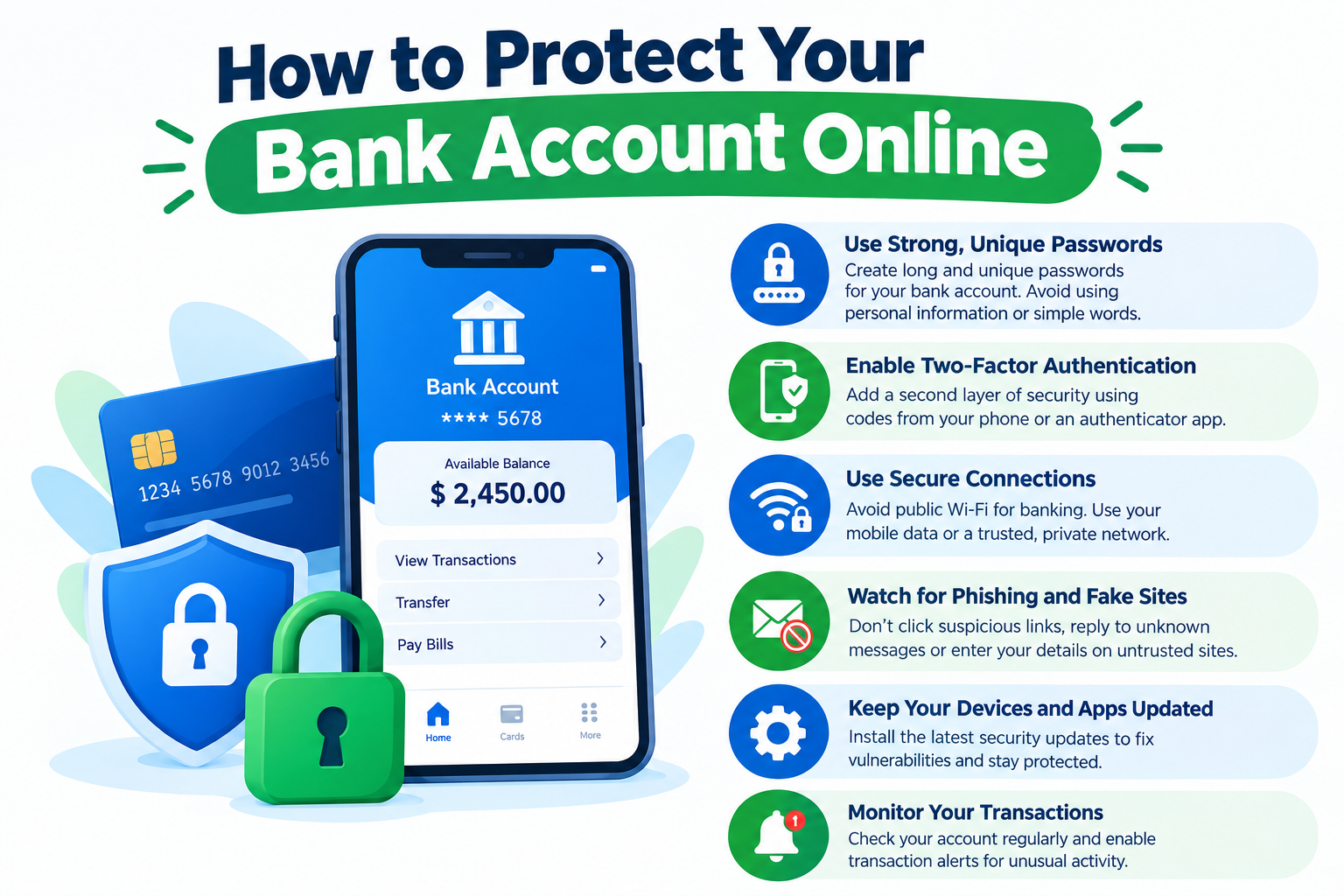
Using strong passwords, enabling multi-factor authentication, avoiding suspicious links, and keeping devices updated can reduce the risk of unauthorized access.
Benefits of Online Banking
Online banking provides several practical benefits.
First, it can save time because many banking tasks can be completed without visiting a branch.
Second, it allows customers to access account information outside normal branch hours.
Third, transaction alerts and account history can make financial monitoring easier.
Fourth, digital payments and transfers can simplify recurring financial responsibilities.
However, convenience should not replace careful account management. Users should continue reviewing transactions and protecting their login information.
Limitations of Online Banking
Online banking also has limitations.
A customer may have limited access if their internet connection is unavailable. Some transactions may also have processing delays, limits, or fees.
Certain complicated banking services may still require assistance from a bank representative.
Users should also be careful when accessing accounts from public computers or unsecured networks.
How to Use Online Banking Safely
Customers should always access online banking through the bank’s official website or mobile application.
Avoid clicking banking links received through unexpected emails or text messages.
Use a unique password for the banking account and enable multi-factor authentication when available.
Do not share passwords, verification codes, or security answers with other people.
Review account activity regularly and contact the bank quickly if suspicious activity appears.
Final Thoughts
Online banking provides a wide range of features that can make everyday financial management easier. From checking balances and paying bills to transferring money and receiving security alerts, customers can handle many banking tasks without visiting a physical branch.
The best way to use online banking is to combine its convenience with responsible security habits. Regular account monitoring, strong authentication, secure devices, and careful handling of financial information can help customers take advantage of digital banking while reducing unnecessary risks.
Frequently Asked Questions
Is online banking safe?
Online banking can provide strong security features, but customers should also protect their passwords, devices, and verification codes.
Can I transfer money through online banking?
Many banks allow customers to transfer money between their own accounts and, depending on the service, to eligible external accounts.
Can I deposit checks online?
Some banks support mobile check deposits through their smartphone applications.
Should I use banking apps on public Wi-Fi?
It is generally safer to use a trusted private network or mobile connection when accessing sensitive financial accounts.
What should I do if I see an unfamiliar transaction?
Contact your bank through an official communication channel and follow its instructions for reviewing or reporting the transaction.






Leave a Reply